Sharing Bounds
You've created a great Bound and want it to be played. There are many ways you can share it with your players.
Content
As soon as your Bound is online, the public Bound's web page can be called. You set the URL when you created the Bound. This address does not change.
On the Bound's web page information about your compound from the Settings are displayed. On this page you can also start the Bound Challenge. In addition, the start QR code and the start instructions are stored.
If the page is called up with a mobile device, the Bound can be started directly from the Bound's web page with the Actionbound app installed.
On the Bound dashboard you will find the Start QR code. Scanning this QR code with the Actionbound app will start your Bound.
The code never changes and is therefore suitable for printing on flyers, for example.
With the click of a button, you can easily share your Bound on Facebook, Twitter or via Email. Here is a corresponding text stored, which you can of course still adapt when sharing.
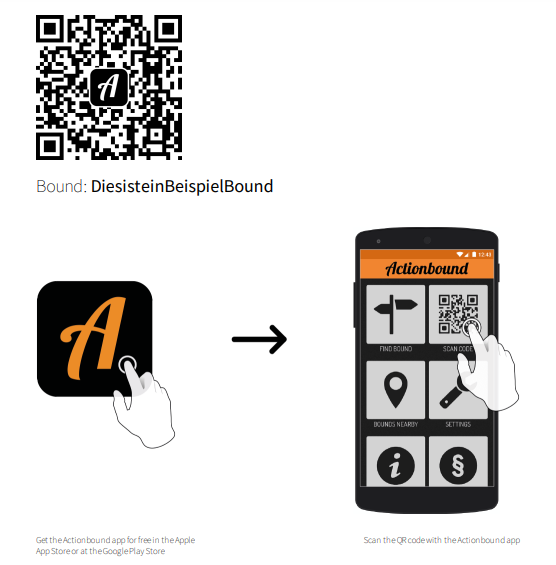
Download the launch guide for your Bound and distribute it to your players.
The PDF includes the cover image and title, as well as the launch QR code. There is also a simple diagram explaining how to start the Bound with the Actionbound app.
If you are working with the Scan code element in your Bound, here is an easy way to get the QR codes for it. With Download QR Codes you will get a PDF that contains the start QR code as well as all codes for the element Scan code.