Report a problem
Removed QR codes, changed buildings or a faulty quiz - the problems in a Bound can be very different. It's good when players point them out to you.
Content
How to
In the app, players can report a problem in the Bound in the panel. If an error is reported in the Bound, the problem report is sent to the account e-mail address of the Bound creator.
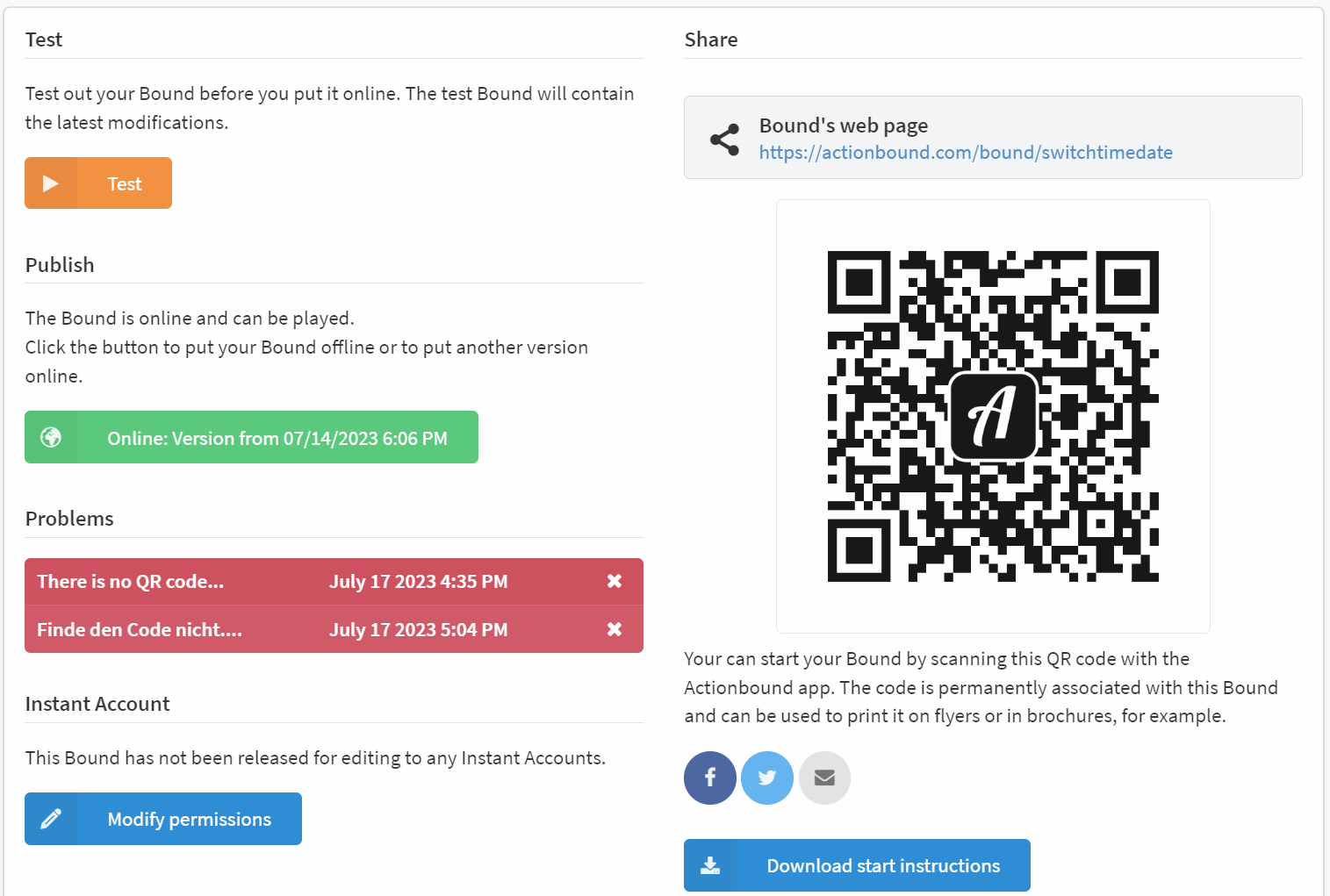
In addition, the individual problems are displayed on the Bound dashboard. The red message shows the problem report entered by the players. If nothing has been entered, a symbol appears. The date and time of the problem report is also listed.
The text or symbol of the problem report is linked. Click on it and you will be taken to the content item from which the problem was reported in the Bound.
You can easily delete a problem report by clicking on the X on the right side of the report.
If players have not left contact details in the problem report, you will not be able to contact them. We do not store any further data about our players.