Share the contents of the Bound (Licence feature)
You have created a great Bound and want to share it with other users? Then simply provide them with a copy. This function is available to all licensed users.
Content
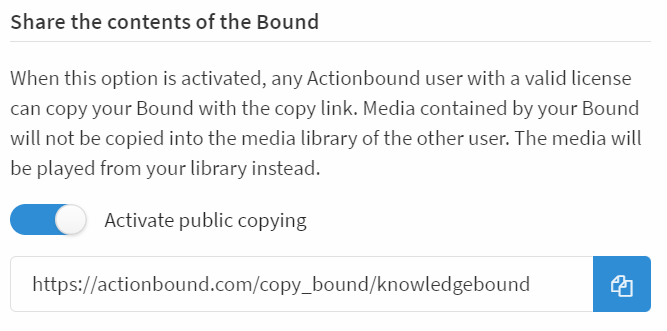
- On your Bound dashboard, you will find the Share Bound content section at the bottom right.
- If public copy is activated, your Bound can be copied by other licensed Actionbound users by clicking on the copy link.
- By clicking on the link, they will receive a copy of the Bound created on their account.
Any media contained will not be copied to the media library of the new account, the media will be loaded from your media library when the Bound is played.