Preload
Whether in the forest or in a museum - if the Internet connection is poor, Bound should still be playable. The offline use makes it possible. All content can be preloaded when Bound starts, so nothing can interrupt the fun anymore.
Content
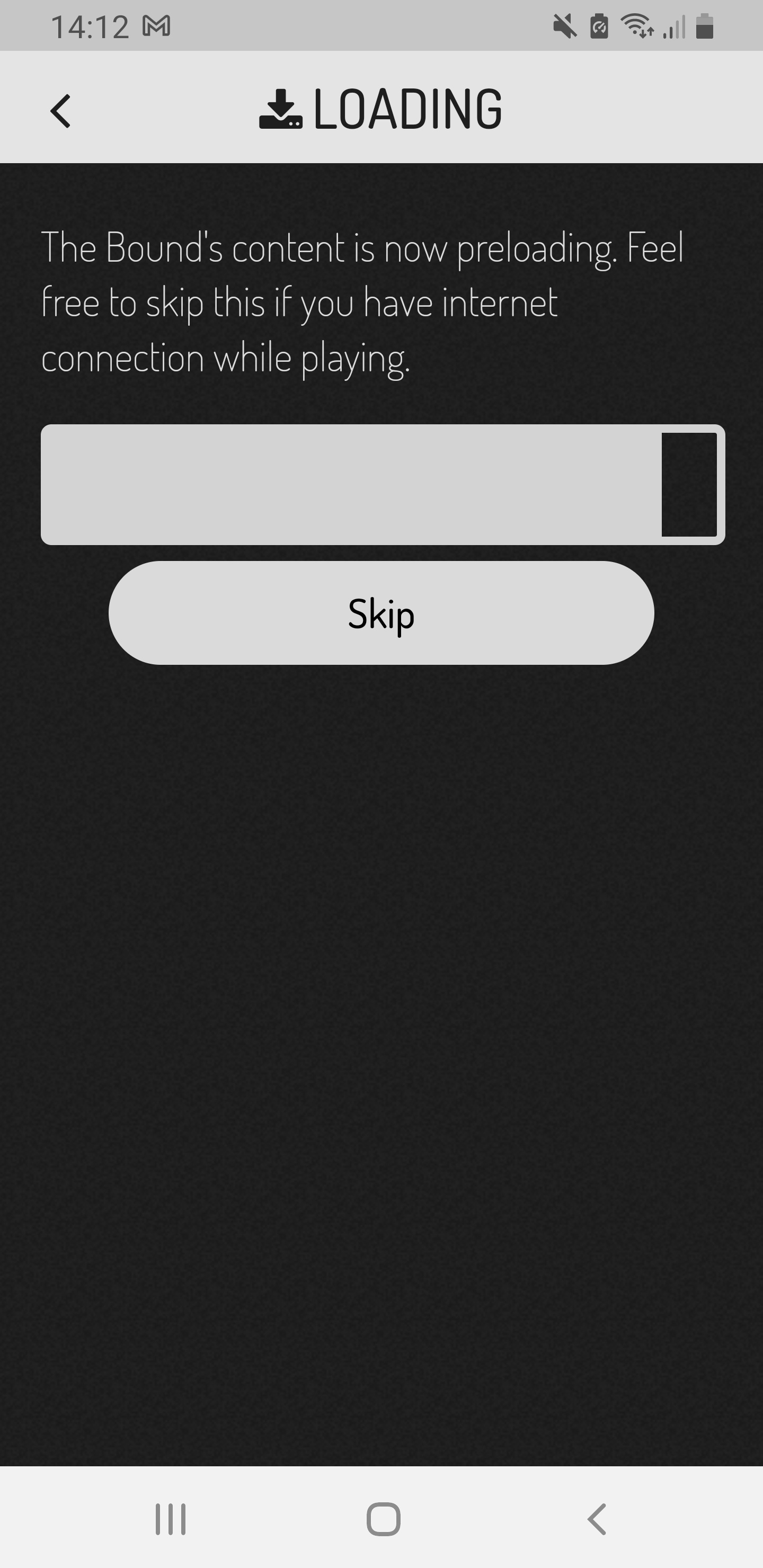
- At the beginning of the Bound, all data needed to play the game will be downloaded.
- If your players cancel this process, the data will be downloaded at a later time.
- If they do not cancel the download, the Bound can be played completely offline after the successful download.
- After the Bound is finished, the data will be removed from the device.
In order for the bound to end regularly and the results to be uploaded, an Internet connection is required again at the end of the bound.
If you don't have an internet connection when playing the Bound, you can enable the map material to be downloaded when the Bound is started. This way, your players can experience the Bound offline and don't have to miss out on the map.
Only OpenStreetMaps and Stamen maps can be preloaded. The map material from Google cannot be preloaded. If this is to be used, an internet connection must be available during the bounds.
For the [ab:link:_self:'https://en.actionbound.com/help/article/find-spot?setlang']find spot[/ab:link element to work, the location must be enabled (this also works in airplane / offline mode).
If you want to play Bound more often with a mobile device, you can define in the settings that pre-loaded bounds are left on the device after playing. The Bound can always be started again with the start QR code. Alternatively, you can find it in the Actionbound app under Find Bound - My Bounds - Preloaded Bounds. You can also delete it here.
New versions of the bound are not started until the preloaded bound has been deleted from the device.
There is no good internet coverage when playing the Bound, but the Bound should be played over and over again on a device. For this purpose, use the option to save the results on the device in order to upload them at a later time.
The Bound will finish without having to upload the results at the end. The results are saved on the mobile device until they are uploaded. You can find the results in the app under Find Bound - My Bounds - Results. Here you can upload the results individually or collectively. After uploading, the results will be removed from the mobile device.